ClickTime + BambooHR

Automate provisioning and keep Time Off data accurate across HR and timesheets

Get a demo
Contact specialist
Integration category
Text Link
HRIS
HRIS
Works with Smart Connect
No
ClickTime pricing plan
Premier
CONSISTENT EMPLOYEE DATA AND TIME OFF SYNC

Integration overview

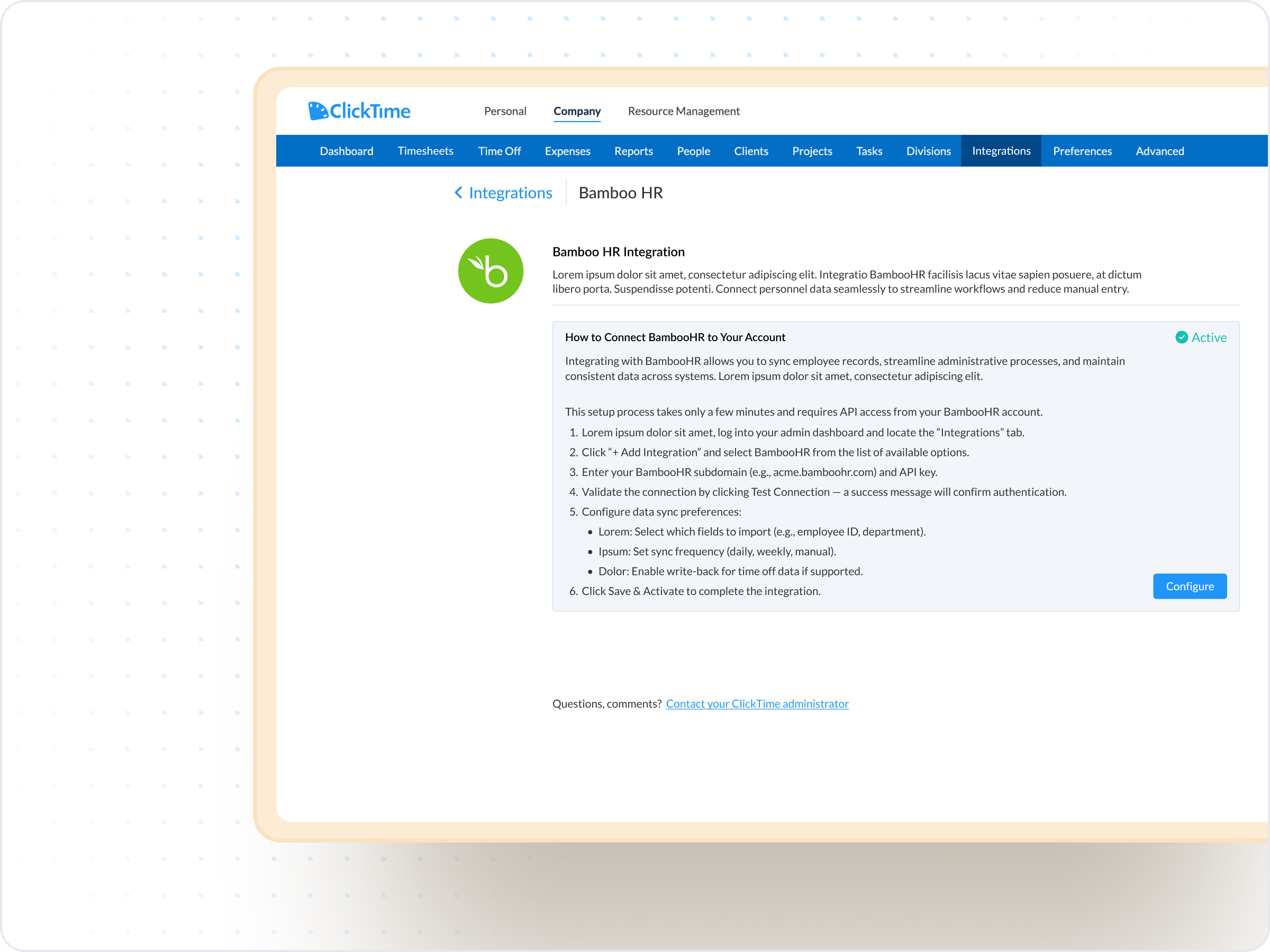
The ClickTime BambooHR integration keeps people data and Time Off fully aligned so Finance, HR, and Operations can rely on accurate, up-to-date timesheets. New hires created in BambooHR appear automatically in ClickTime, terminations are inactivated based on their BambooHR termination date, and approved Time Off requests flow directly into open timesheets for clean reporting and allocation.

  • Sync new hires, terminations, and supported profile updates from BambooHR
  • Import approved Time Off directly into open ClickTime timesheets
  • Maintain accurate allocation data for projects, cost centers, and reporting
  • Prevent discrepancies with automated reminders and update handling

ClickTime requirements

  • ClickTime Enterprise plan
  • Time Off Management Module (add-on)
  • Integration must be enabled by ClickTime (not self-service)
  • One administrator-level ClickTime user for integration setup
  • Ability to unlock or unapprove timesheets when Time Off updates are required

Bamboo HR

  • Active BambooHR subscription
  • A BambooHR administrative integration user
  • View-only access to all relevant Time Off Types
  • Matching employee email addresses across both systems (required for Time Off sync)

How a BambooHR integration automates your workflows

1

Automatic user creation and lifecycle updates

New BambooHR employees are automatically created in ClickTime with mapped details like name, email, employee number, and status. When someone leaves, ClickTime inactivates them on the correct date, and reactivations sync back automatically.

2

Accurate, real-time Time Off syncing

Approved BambooHR Time Off requests flow into ClickTime with full details, including dates, hours, type, and notes. Edits made in BambooHR update automatically once the corresponding timesheet is unlocked.

3

Built-in controls for selective sync

Use BambooHR’s “Do not sync to ClickTime” option to keep certain roles out of ClickTime. Just uncheck them to block user creation or Time Off import for employees who shouldn’t track time.

Locked/Approved timesheet handling

ClickTime protects your financial records by preventing BambooHR changes from overwriting approved data. If a Time Off update needs to be applied, ClickTime alerts your designated admin and safely queues the update until the period is reopened ensuring accuracy without disrupting your processes.

  • Updates sync automatically once the timesheet is unlocked
  • Partial requests pause until all affected dates are open
  • Clear notifications guide admins on required actions
  • Prevents accidental changes to approved or closed periods
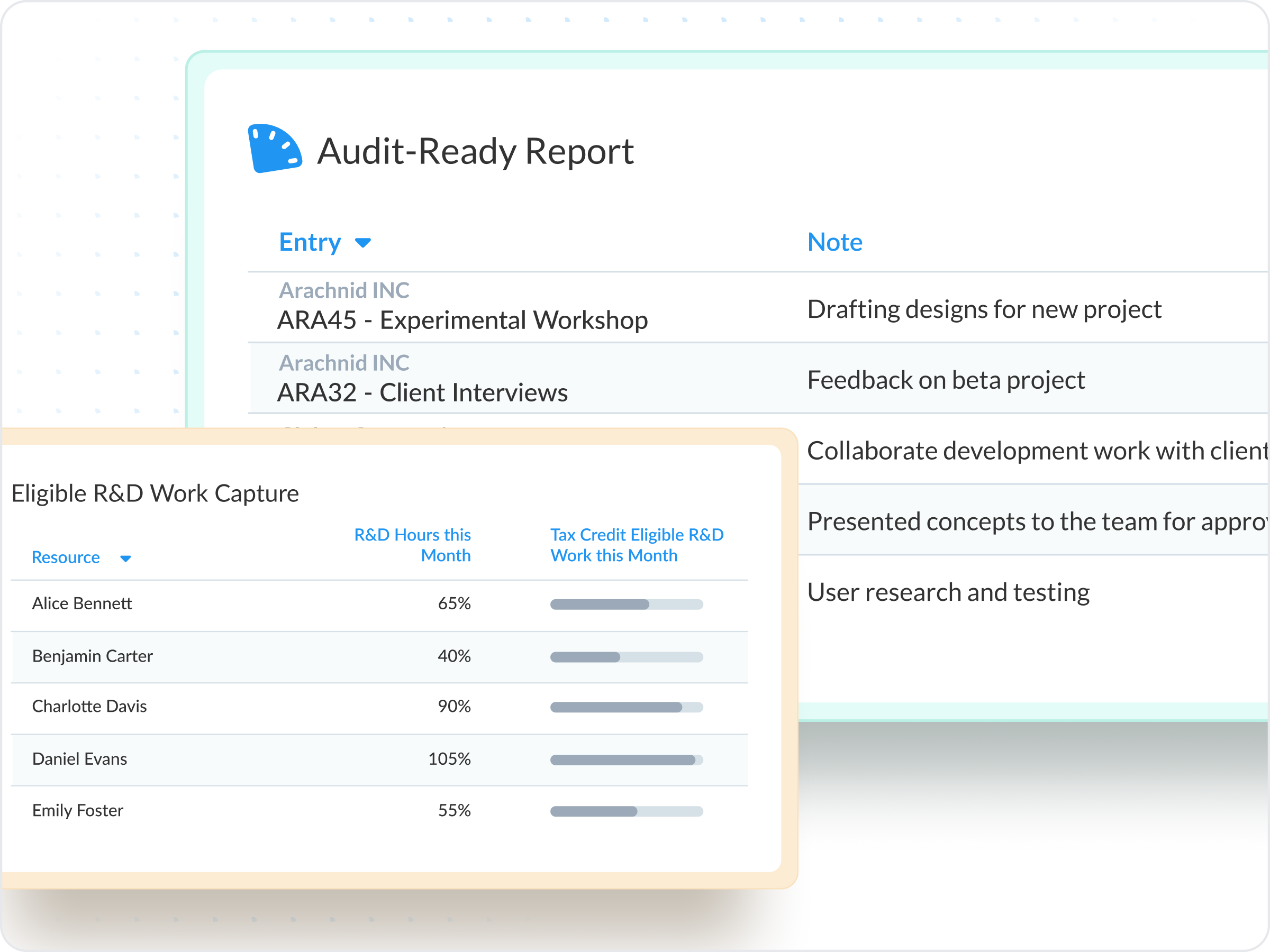
Full auditability for compliance & controls

When employees are activated, terminated, or reactivated in BambooHR, ClickTime logs those actions through the integration user (when Audit Trail is enabled). This creates a defensible record of employee lifecycle events across systems — essential for audits, finance reviews, and internal controls.

  • Inactivation and reactivation events recorded automatically
  • Integration-user logs offer clear, structured traceability
  • Ensures consistency with HR records
  • Strengthens compliance for regulated or audited teams

Intelligent Time Off validation for clean reporting

ClickTime validates every Time Off request before importing it, ensuring that only clean and compliant data enters your reporting. If anything in BambooHR falls outside allowed rules — rounding, hour constraints, superseded requests, the system blocks the entry to keep your timesheet data trustworthy.

  • Ensures daily hours fall within valid ranges (0–24)
  • Respects ClickTime’s rounding rules (1/10, 1/4, 1/2)
  • Excludes superseded or invalid BambooHR entries
  • Keeps prior imported history intact when individual days change
Mirror Values Across Both Platforms

Bamboo HR
data mapping

ClickTime
Sync direction
Bamboo HR
Categories will appear in preview with custom code enabled, and staging/production
Full Name
Table cell
First & Last name
Email Address
Table cell
Work Email
Employment Type
Table cell
Employment Status
Employee Number
Table cell
Employee #
Custom Fields
Table cell
Custom Fields
Leave Type
Table cell
Time Off Category
Comments
Table cell
Note

Common questions

See all FAQs
What is BambooHR

BambooHR is a software as a service HR solution that helps small and medium-sized businesses manage essential employee information — from onboarding to employee benefits.

What does the ClickTime BambooHR integration do?

The ClickTime BambooHR integration passes data like employee profile and employee time off from the BambooHR platform into ClickTime.

Automate provisioning and Time Off sync

Book a demo
Ask a question