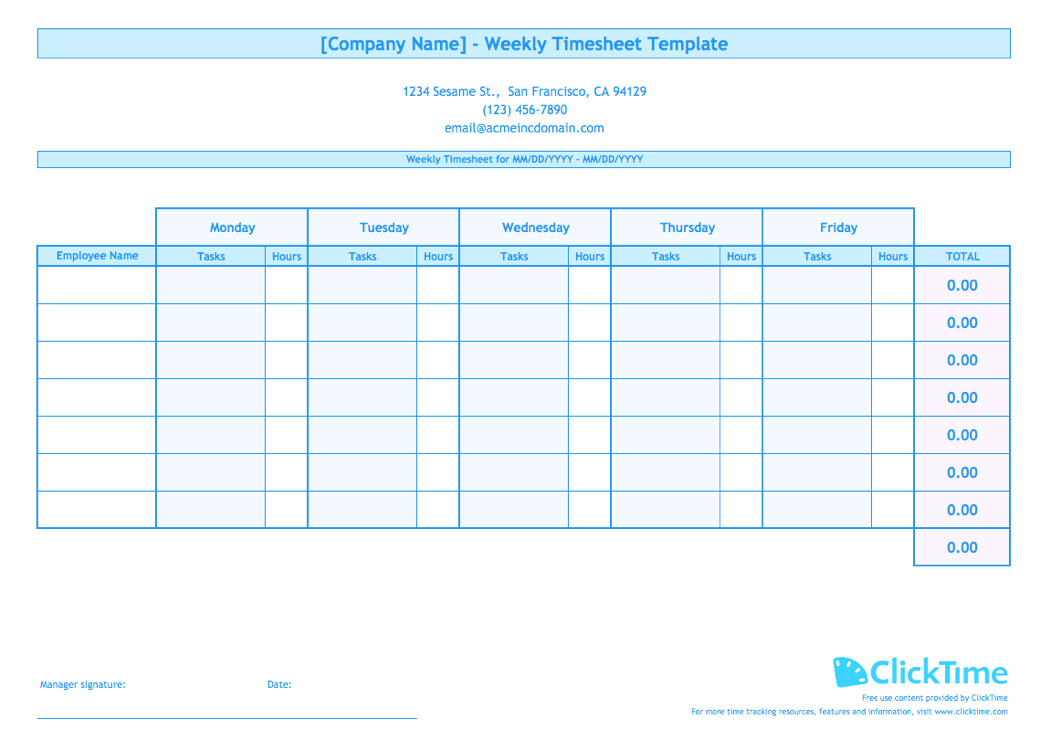
Why Use a Timesheet Calculator?
Keeping track of employees hours can be difficult to do by hand. There are a number of other ways to enter time, from mobile apps, to online timesheets, to futuristic technologies like biometric scanning or predictive time tracking.
Timesheet Calculator
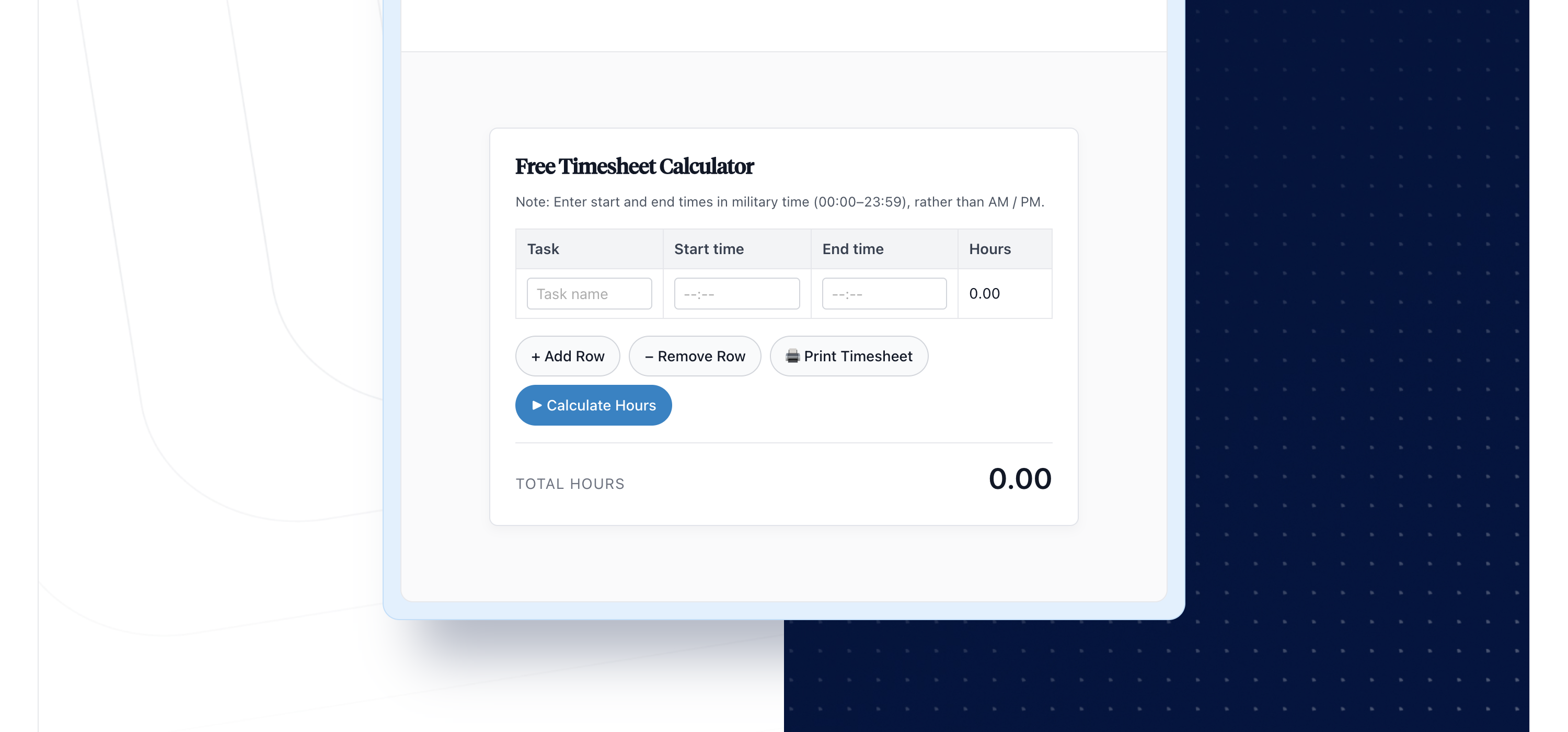
If you’re looking for an easy way to add up where you or your team are spending their time, our time sheet calculator (below) makes it easy to understand who is working on what!
How do I use the free simple time card calculator to track my hours worked?
- You can manually fill out your time card with ease, and it’ll be compatible with any type of pay period (weekly, bi-weekly, monthly, etc.).
- Add rows to track more tasks
- Easily print out a simple hardcopy of your timesheet using the print button on ClickTime’s Timesheet Calculator.
- To explore ClickTime’s alternate time tracking options, try our award-winning time tracker for free!
ClickTime — All Your Timesheets in One Place
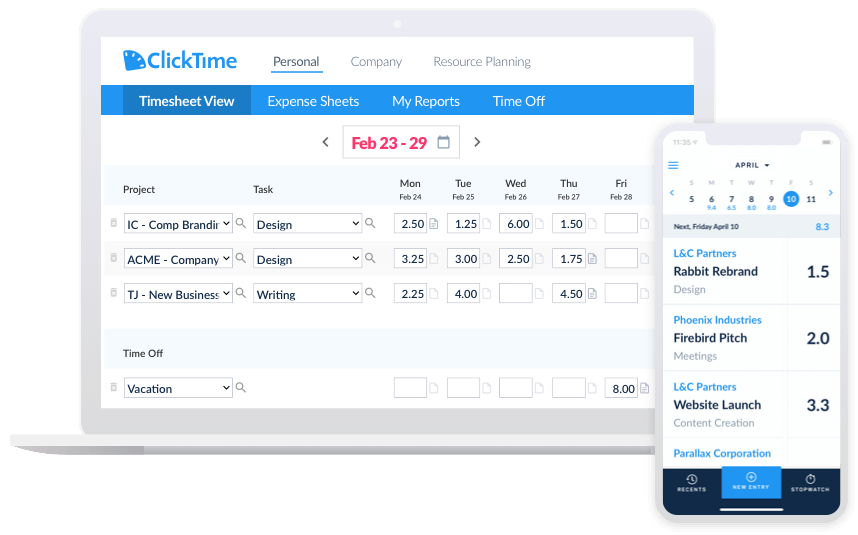
ClickTime automatically calculates your total daily and weekly hours—whether you’re using the stopwatch, entering start and end times, or just recording your time per task. The software also organizes all your worked time into daily and weekly timesheets, so you can easily review your time tracking data in ClickTime, you’ll never lose track of a minute of worked time again!
Easily Review and Print Timesheets
ClickTime lets you review and analyze your timesheet data in a variety of different ways. We offer nearly 100 timesheet reports that show hours worked, financial data, hourly rates, and much more.
All of our reports are printer-friendly and can be exported in the format of your choice. If you need to approve time, simple run one our timesheet approval report, and you can quickly manage your team’s hours.