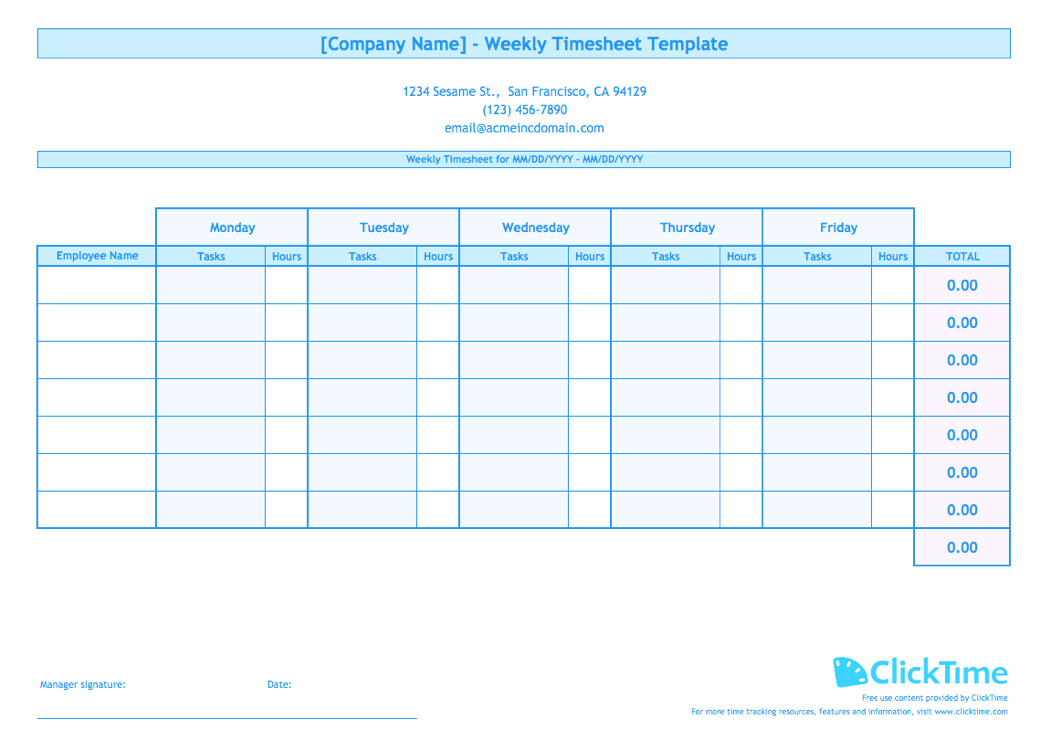
Free Business Budget Template for Excel
ClickTime’s budgeting template provides you with a visually-pleasing Excel spreadsheet to organize all your project’s costs ahead of time. Estimate expenses, compute totals, and compare final costs with this free printable template perfect for your business needs.
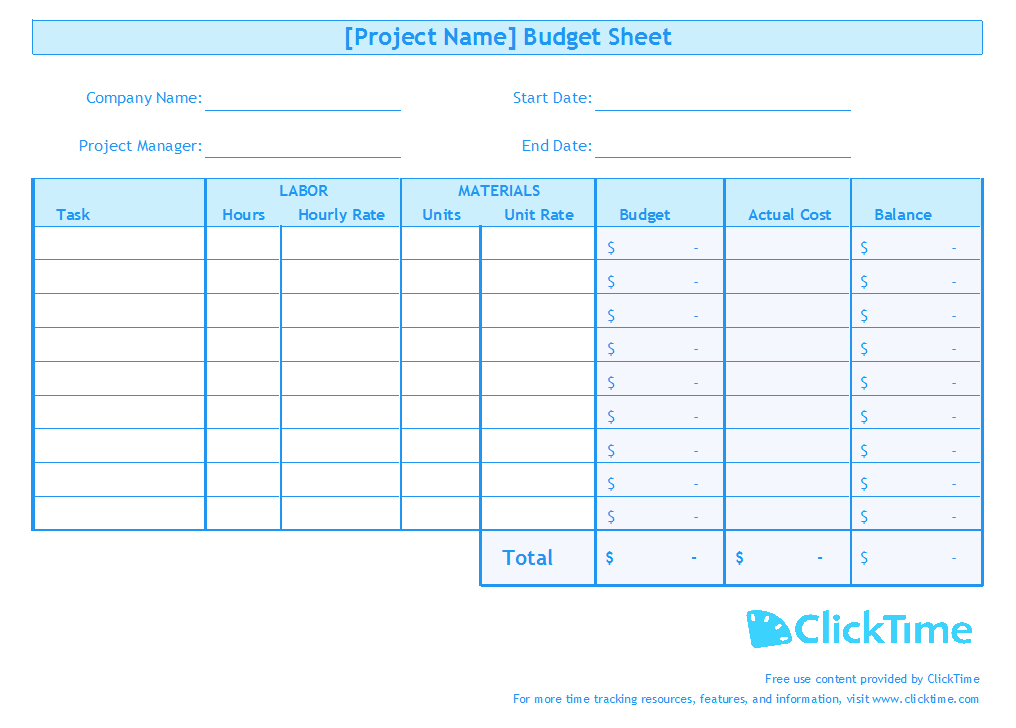
Estimate your Total Project Budget
Our free, printable Business Budget Template for Excel allows you to enter your employees’ hours and rates as well as necessary material prices and rates for every task within your project. Furthermore, our free template will also sum these numbers up so that you have an accurate estimate of your project’s total budget.
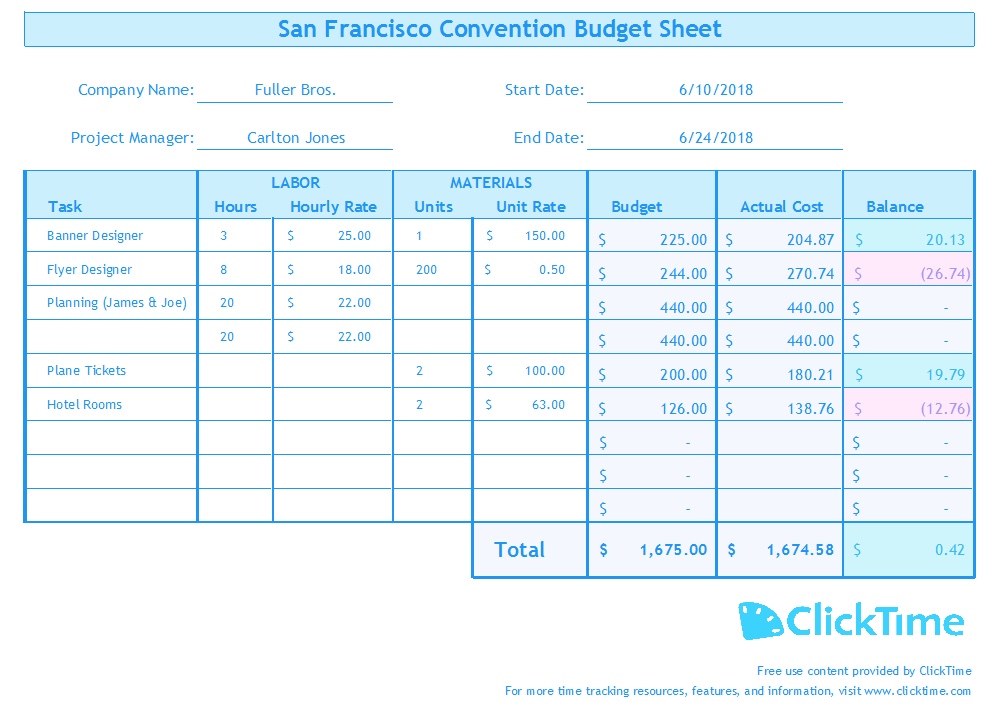
Compute Your Net Balance Instantaneously
Enter actual costs for your project tasks on our Business Budget Template to see your ultimate net balance upon completion. Color coordination and instant summations on our printable Excel template allow you to draw conclusions and better plan for future business projects.
Why Do I Need A Template for my Business Budget?
ClickTime’s Business Budget Template provides an organized Excel spreadsheet for you to estimate any costs you’ll need for your business projects.
Accurate Projections in Excel
Our Business Budget Template for Excel includes columns that will automatically calculate projected costs based on your own inputted values. Receive an accurate budget that you can use to make insights into funding your business project costs.
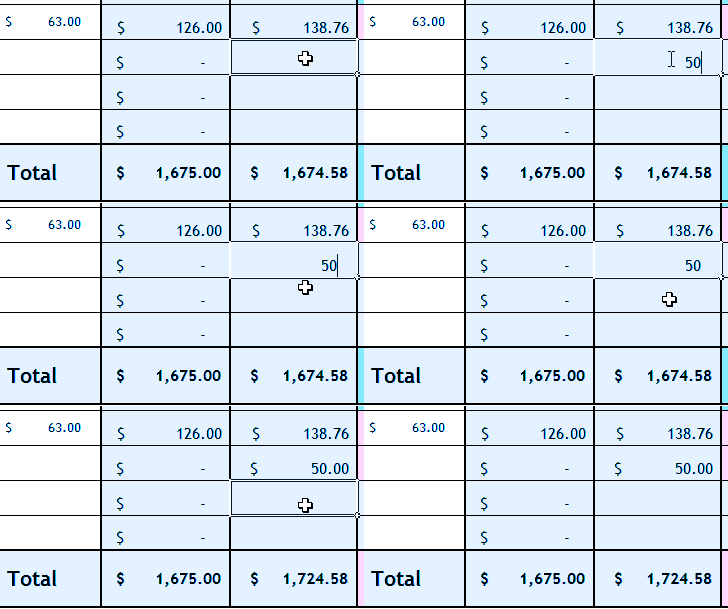
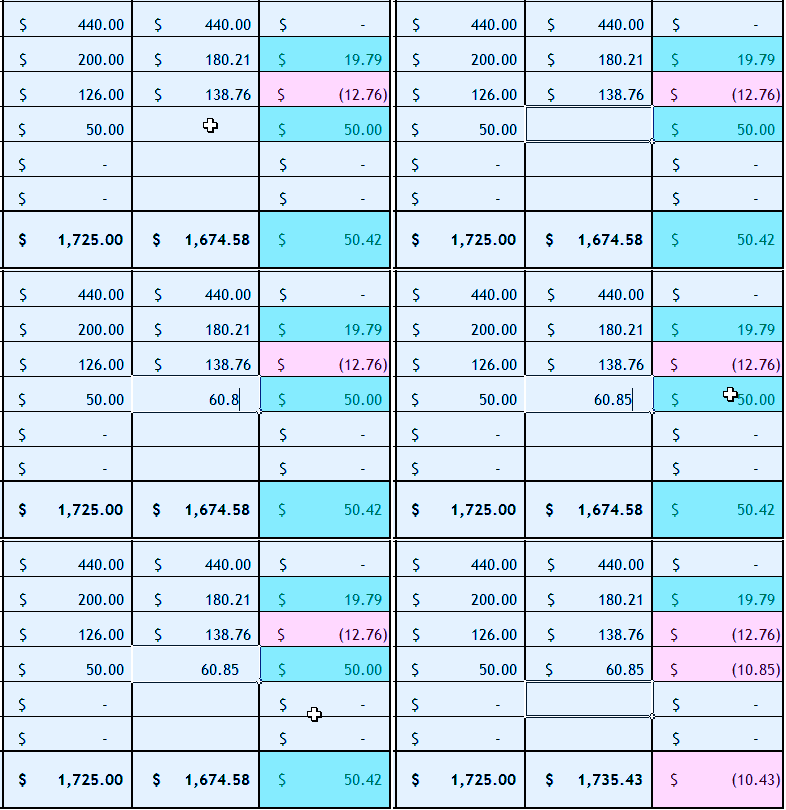
Compare Between Estimated and Actual Costs
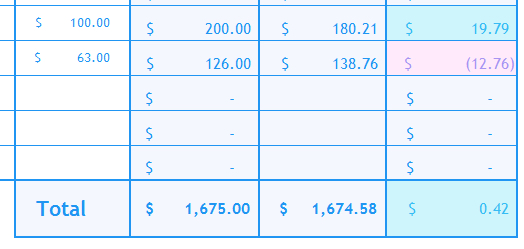
Input actual costs for each task upon completion of your project to see your net balance. Our handy Business Budget Template for Excel instantly changes color to indicate a positive or negative balance, which can provide valuable insights when planning for future project costs.
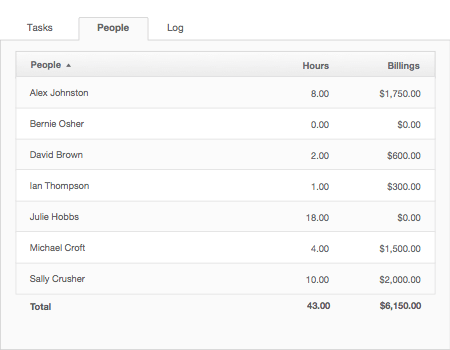
Project Planning with ClickTime
ClickTime’s Project Insights optimize your business for maximum profitability with an end-to-end budgeting platform designed exclusively for businesses that track time.
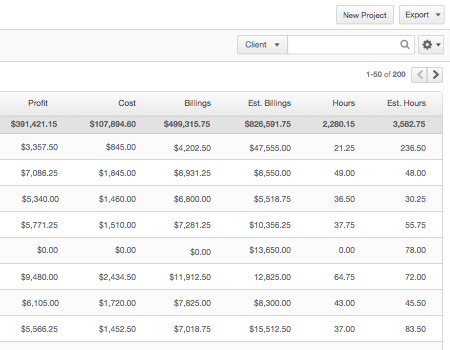
Plan for Better Project Performance
Filter your project data for immediate insights into projects, costs, and budgets with ClickTime. All metrics are displayed in a simple, easy-to-read list view to make monitoring projects easier for you.
Draw Conclusions From Your Budget Plan
Dynamic reports and dashboards enable you to easily analyze trends and identify outliers in your project budgets. Use these metrics to better manage your business’s employees and resources.
Excel Template Instructions
Plan projects and estimate costs in Excel with our free Business Budget Template.
Getting Started:
- Download the Business Budget Template.
- Open the template in Excel.
- Save the file as [Project Name] Budget.
Setting up the Business Budget Template in Excel:
- Add the name of your project to the top of the template.
- Update the blanks for Company Name, Project Manager, Start Date, and End Date.
Using the Business Budget Template in Excel:
- Enter the name of each task in your project.
- Before you begin your project, fill in the blanks for Labor Hour, Labor Rate, Material Units, and Material Unit Rate.
- Use the computed Total Budget to fund your project.
- Upon completion of the project, fill in the blanks of each task for Actual Cost.
- Use the computed Total Balance to make judgements for your next project plan.