


Wheredidyourteam'stimego,60:00$500andwhatdiditcost?
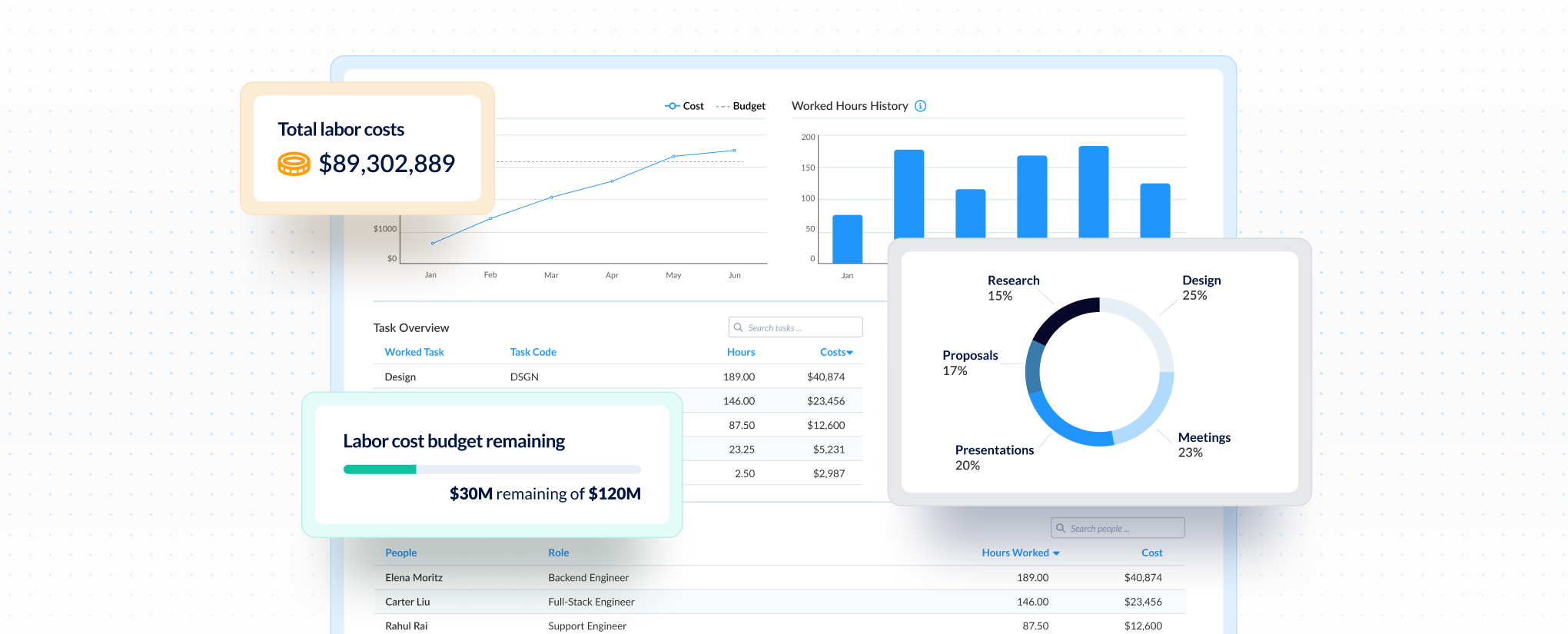
Uncover labor’s true cost. ClickTime transforms work hours into accurate, finance-ready data for billing, budgeting, cost control, and compliance across your teams.
.png)
.png)
.png)







How do you turn raw hours into finance-ready data?
Most time tracking tools just log hours. ClickTime categorizes time at entry—billable, CapEx, R&D—so finance gets usable data without burdening your teams.

100% verified through approval workflows

Finance-ready from first entry. No cleanup needed

No need for manual re-categorization

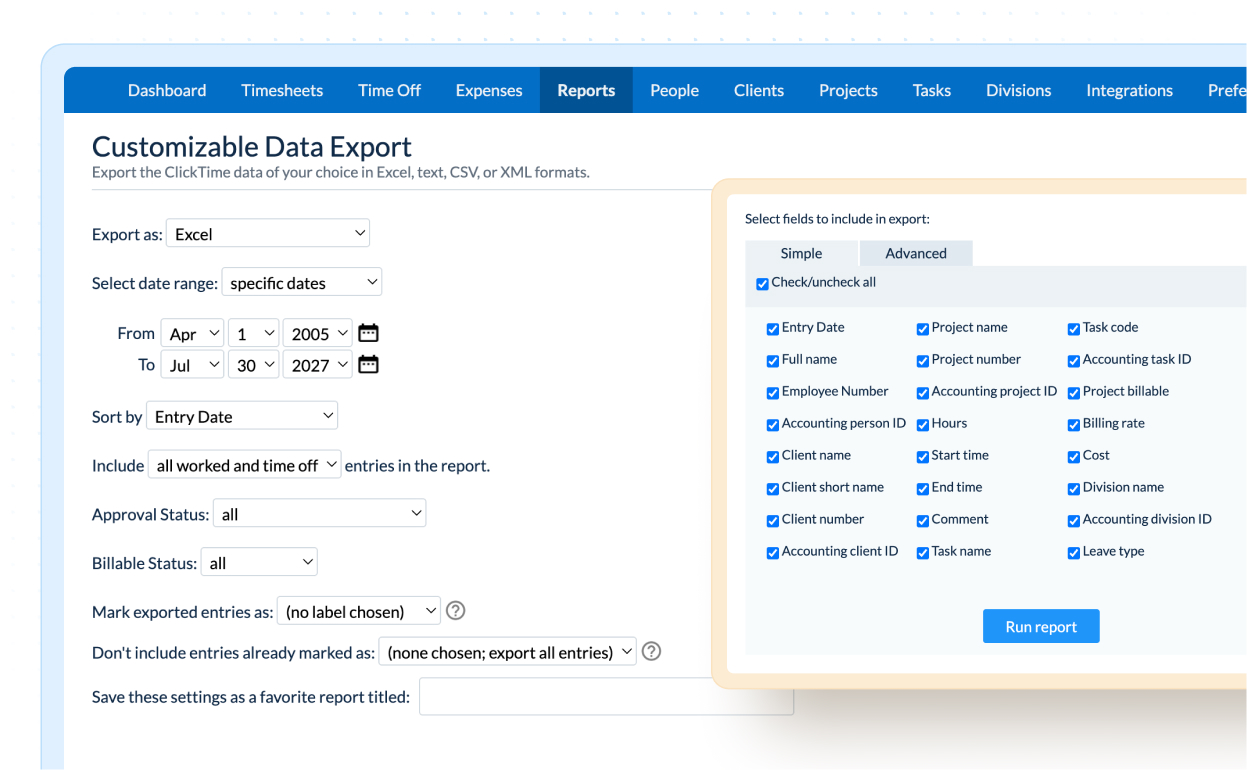
Integrates automatically or exports on demand
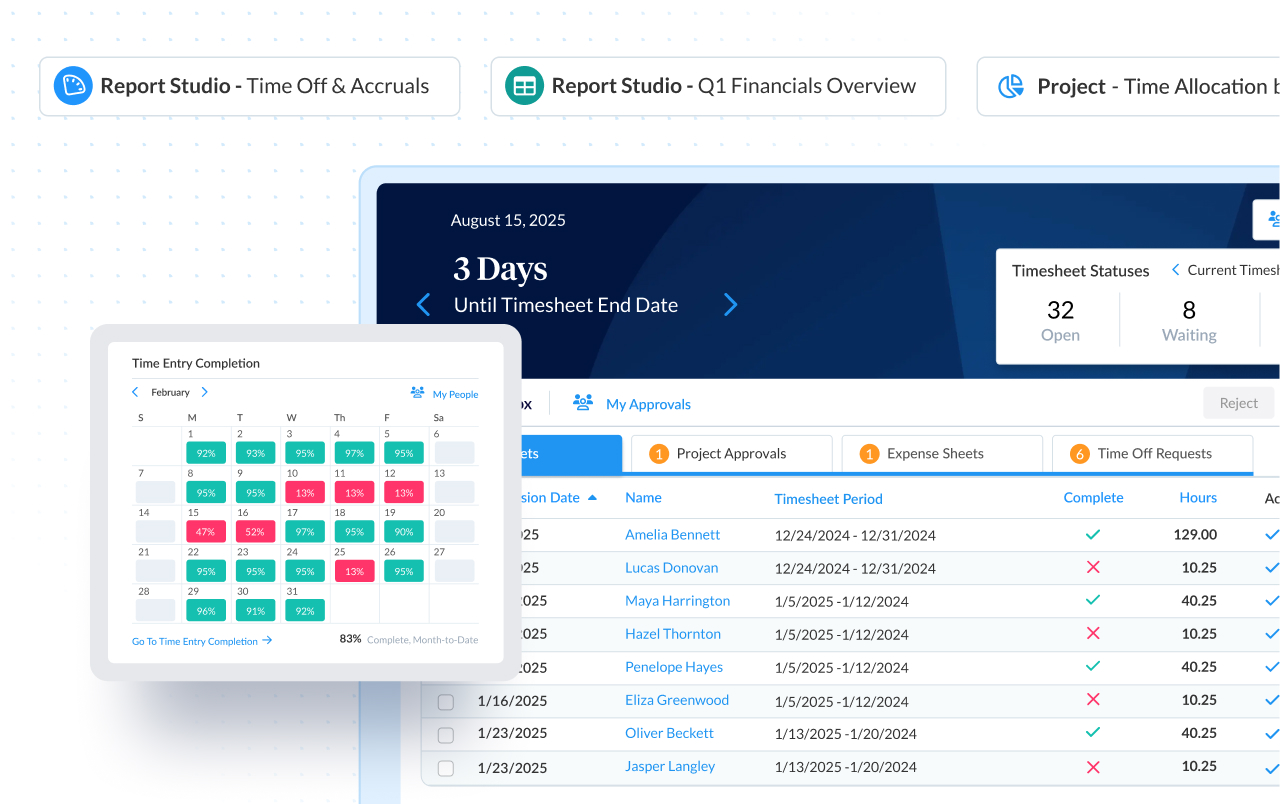
How do you make sure time tracking is actually useful?
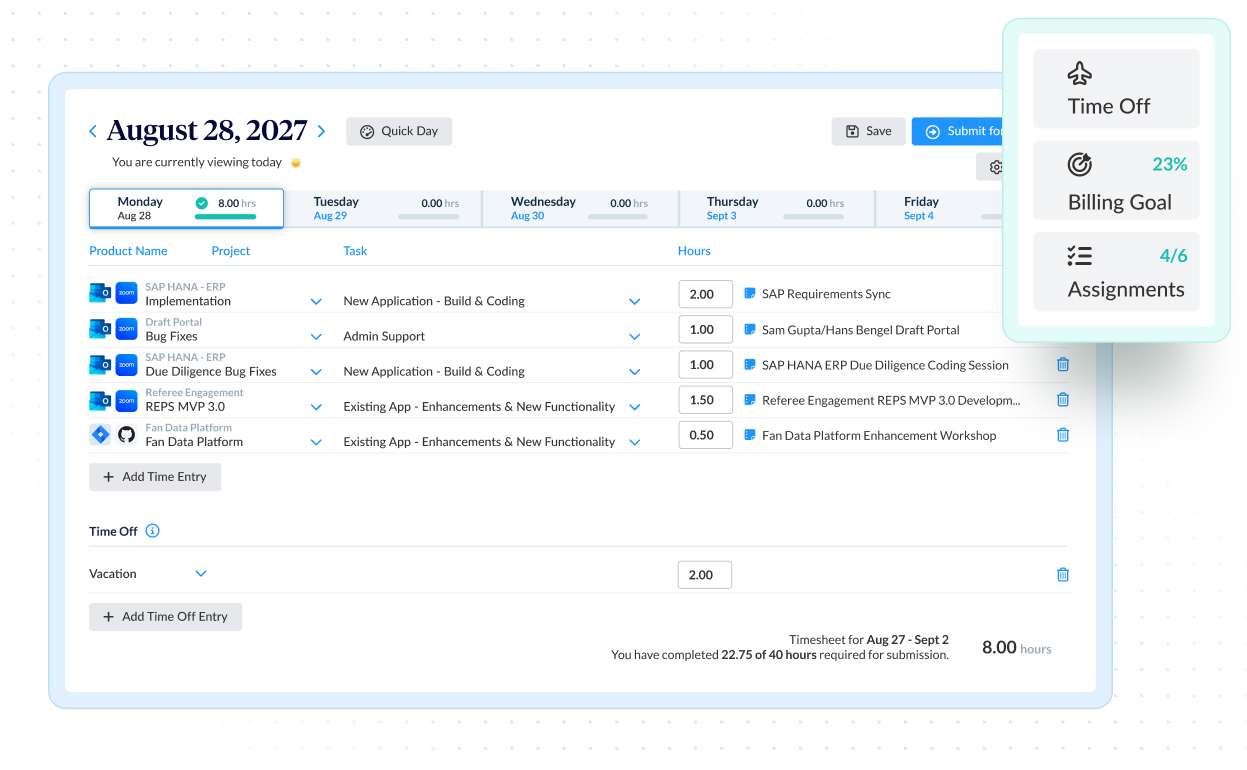
Configure custom categories like projects, clients, or cost centers. Time maps directly to them, so data is reporting-ready immediately. No spreadsheets or cleanup.

Salt Branding (now Material+)
How do you prove your data holds up to scrutiny?
Approval workflows, complete change history, and instant reporting. Whether it's R&D tax credits, client billing disputes, or grant compliance, you have defensible records on-demand.

Nidec Motor Corporation

ClickTime timesheets, Jira, and Google and Outlook events

ClickTime expense tracking

ClickTime leave management, Bamboo HR, Rippling


Cost allocation, capitalization, and audit-ready records
Budgeting, forecasting, and performance insights

Headcount planning, pay, and compliance alignment







Common questions
The ClickTime team is here to answer your questions.
You may export one year of data at a time. For example, you may export data from April 10, 2010 to April 10, 2011.
Currently, we support integration for QuickBooks® with all plans. For other billing and accounting systems, please contact your sales professional for customized integration options.
All customer data is safely stored at the ClickTime Datacenter, which has backup power, RAID storage, and frequent backups. (It’s probably a lot safer than the data you keep in your own office). For more information, please read our Privacy Policy.
Please contact your account manager for more information regarding the ClickTime Timesheet Approvals module and the ClickTime Expense Tracking module.